The challenge
More than a résumé, without losing clarity.
A professional background covers experience, education, certifications, projects, and ongoing learning. The site needed to present all of it in a format visitors can explore, while staying clearly separate from my development portfolio.
A clear professional presentation
Experience, education, certifications, and contact information needed to be easy to approach and quick to scan, without reading like a dense résumé.
Room for technical learning
Hands-on work and ongoing learning needed space for more detail than a list of skills or a single line on a résumé can hold.
Different kinds of writing
Blog posts, guides, lab write-ups, and case studies serve different purposes and needed to be organized so readers can find the type they want.
A distinct site beside a development portfolio
The professional site needed its own presentation and audience while still belonging to the same portfolio project as gageolson.dev.
The approach
A professional home with room to go deeper.
I organized the site around a clear homepage for my background and a structured publishing area for technical writing, with content collections that keep new articles consistent.
Professional presentation
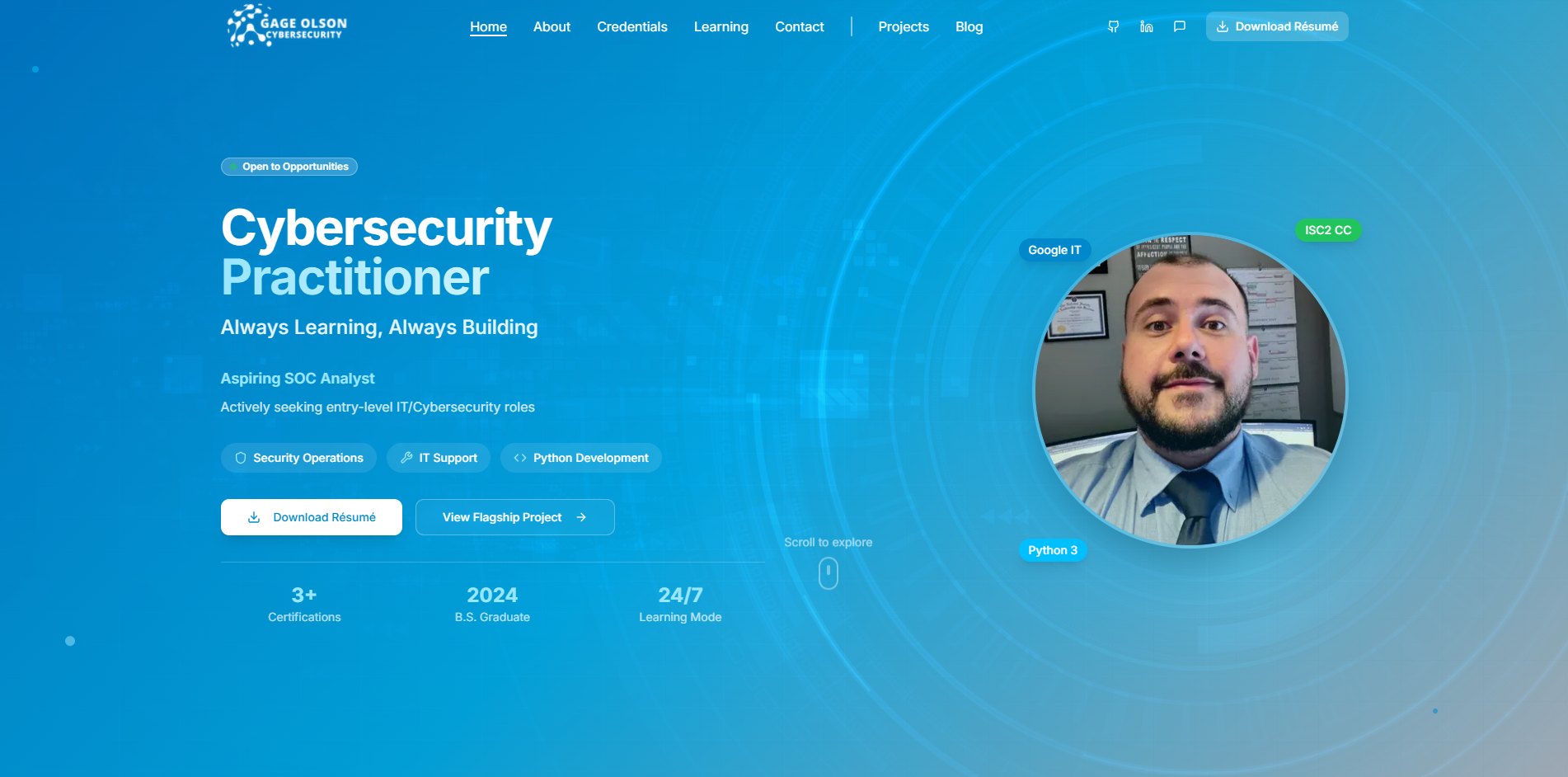
A homepage and supporting pages that introduce my professional background in a clear, approachable way.
- Homepage sections for background, projects, certifications, courses, and contact information
- Responsive navigation and layouts
- Branded imagery and parallax sections
- Separate routes for projects and articles
Structured technical content
One publishing area where different kinds of technical writing live side by side and stay easy to find.
- A unified area supporting blog posts, guides, labs/write-ups, and case studies
- Keyword search across indexed titles, descriptions, excerpts, and tags
- Collection filters represented in URL query parameters
- Individual article pages
- Draft exclusion in the content loader
CMS and authoring
Structured content collections, so new writing follows a consistent shape.
- TinaCMS configuration for structured content collections
- Markdown and MDX content stored in the repository
- Fields for article metadata, authors, tags, images, and SEO information
- A custom inline-image component with image, alt text, and caption fields
- MDX rendering and code-formatting support
The site presents certifications, courses, and education as part of my background; this case study describes how that information is organized, not the status of each credential. Not every content collection is populated yet.
Technical highlights
The structure behind the writing.
Two parts of the project that make a growing body of technical content practical to publish and easy to explore.
Searchable, filterable publishing
Readers can narrow a mix of posts, guides, lab write-ups, and case studies down to what they are looking for, and share the filtered view as a link.
Keyword search runs across indexed titles, descriptions, excerpts, and tags. Collection filters are stored in URL query parameters, so a filtered view survives a page refresh and can be bookmarked or shared.
The content loader excludes drafts, so unfinished articles stay out of listings and search until they are ready to publish.
Structured authoring with TinaCMS
Every article follows the same shape, so new writing is quicker to add and consistent to read.
A TinaCMS configuration defines the content collections and their fields: article metadata, authors, tags, images, and SEO information. Content is stored as Markdown and MDX files in the repository, so every change is versioned alongside the code.
A custom inline-image component gives authors dedicated fields for the image, its alt text, and a caption, which keeps accessibility details part of the writing process. MDX rendering includes code-formatting support for technical examples.
Dual Portfolio Project
Two sides of one professional identity
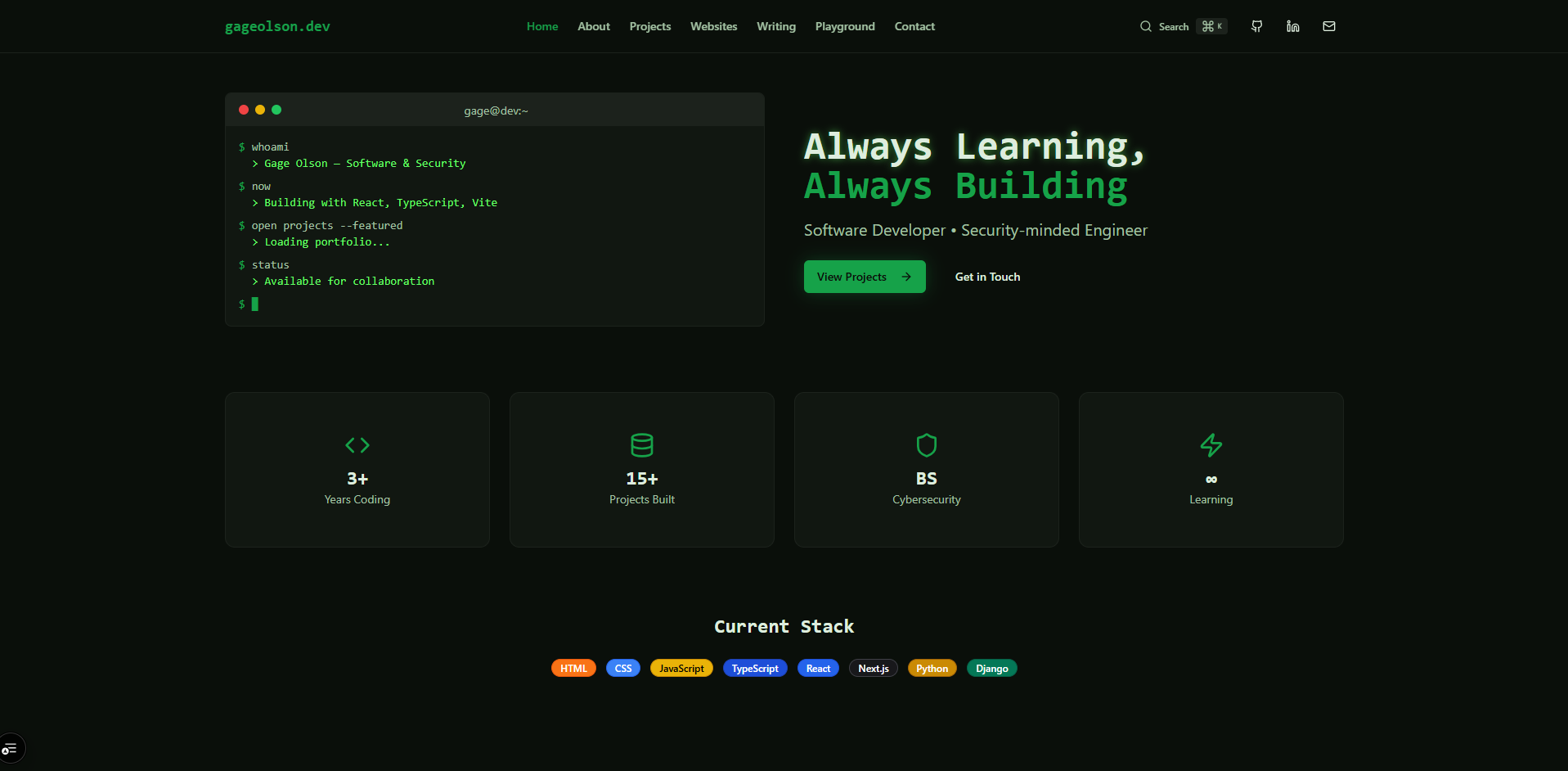
gageolson.com and gageolson.dev are separate websites within one portfolio project. The professional site presents my cybersecurity and IT background; the development site highlights software, websites, and interactive work. A shared repository and development workflow keep the two sites organized while allowing each to serve its own audience.
gageolson.com
This case studyProfessional background, cybersecurity, IT, and technical learning.
gageolson.dev
Companion siteDevelopment work, website projects, and interactive experiments.
One monorepo
Two websites maintained in one code repository.
- sites/cyber-site
- The professional Next.js application behind gageolson.com.
- sites/dev-site
- The development Next.js application behind gageolson.dev.
- pnpm workspaces
- Organize the two applications within the repository.
- Turborepo
- Coordinates development and build tasks across both applications.
- Root scripts
- Individual build and dev commands for each app.
The sharing is limited to repository organization and tooling. Each site has its own component tree and its own TinaCMS configuration, and the two do not share a UI package, database, sign-in, or content.
Technology
Built with
- Application
- Next.js 15 App Router, React 19, TypeScript
- Interface
- Tailwind CSS 3, Radix UI/shadcn-style components
- Content
- TinaCMS, Markdown / MDX
- Repository
- pnpm workspaces, Turborepo
- Deployment workflow
- GitHub and Vercel deployment configuration
What this demonstrates
The same skills, applied to your project.
gageolson.com is my own portfolio, but the pieces behind it are what many professionals, creators, and organizations need from a website. This is the kind of work I can build for you.